How do I add a vehicle without typing everything?
Open the customer, click Add next to Vehicles, type or scan the 17-character VIN and click Decode. Year, make, model, trim, body, engine and drive fill in from the federal database. Add the color and plate, and save.
1 minute read · Updated October 2026
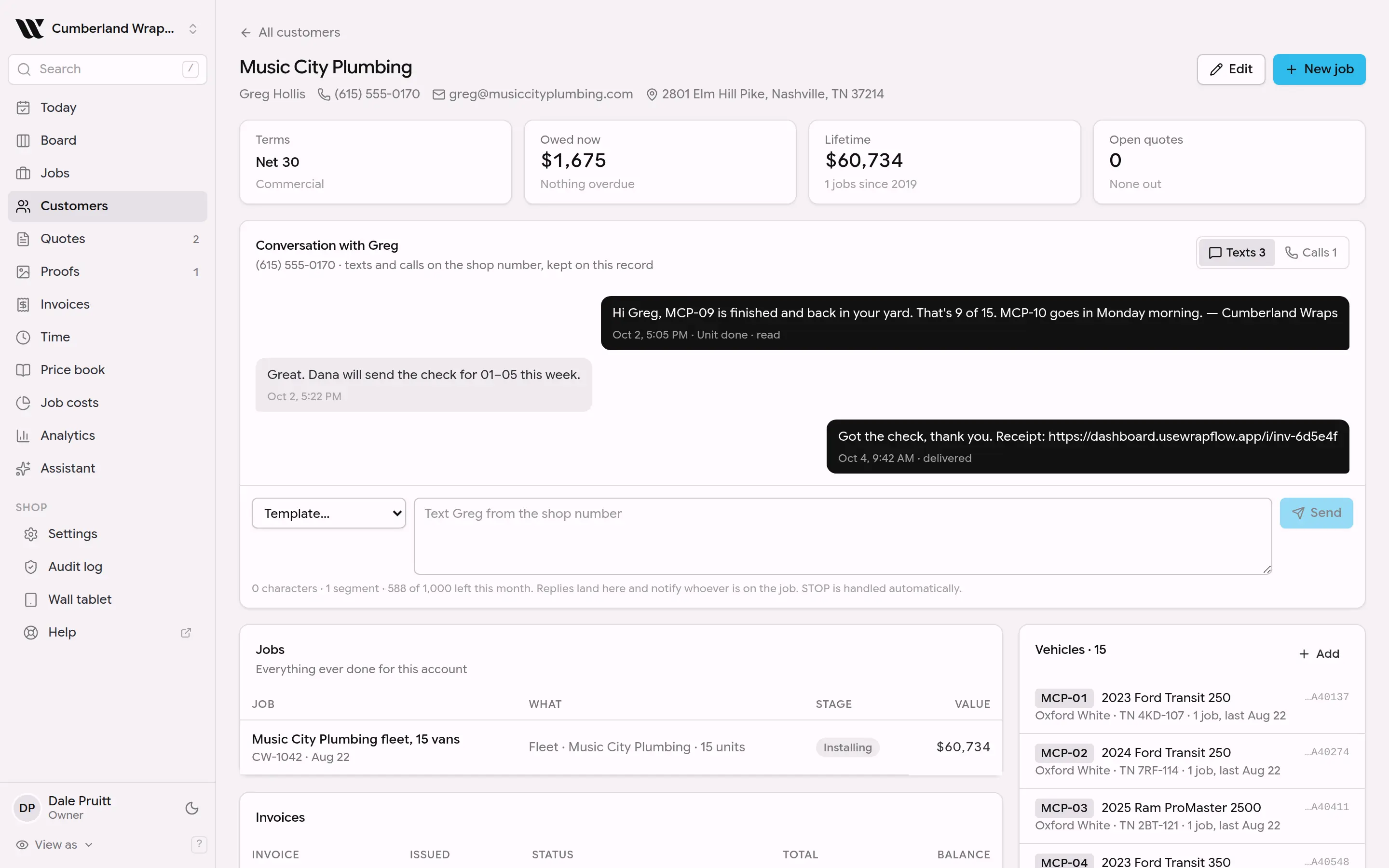
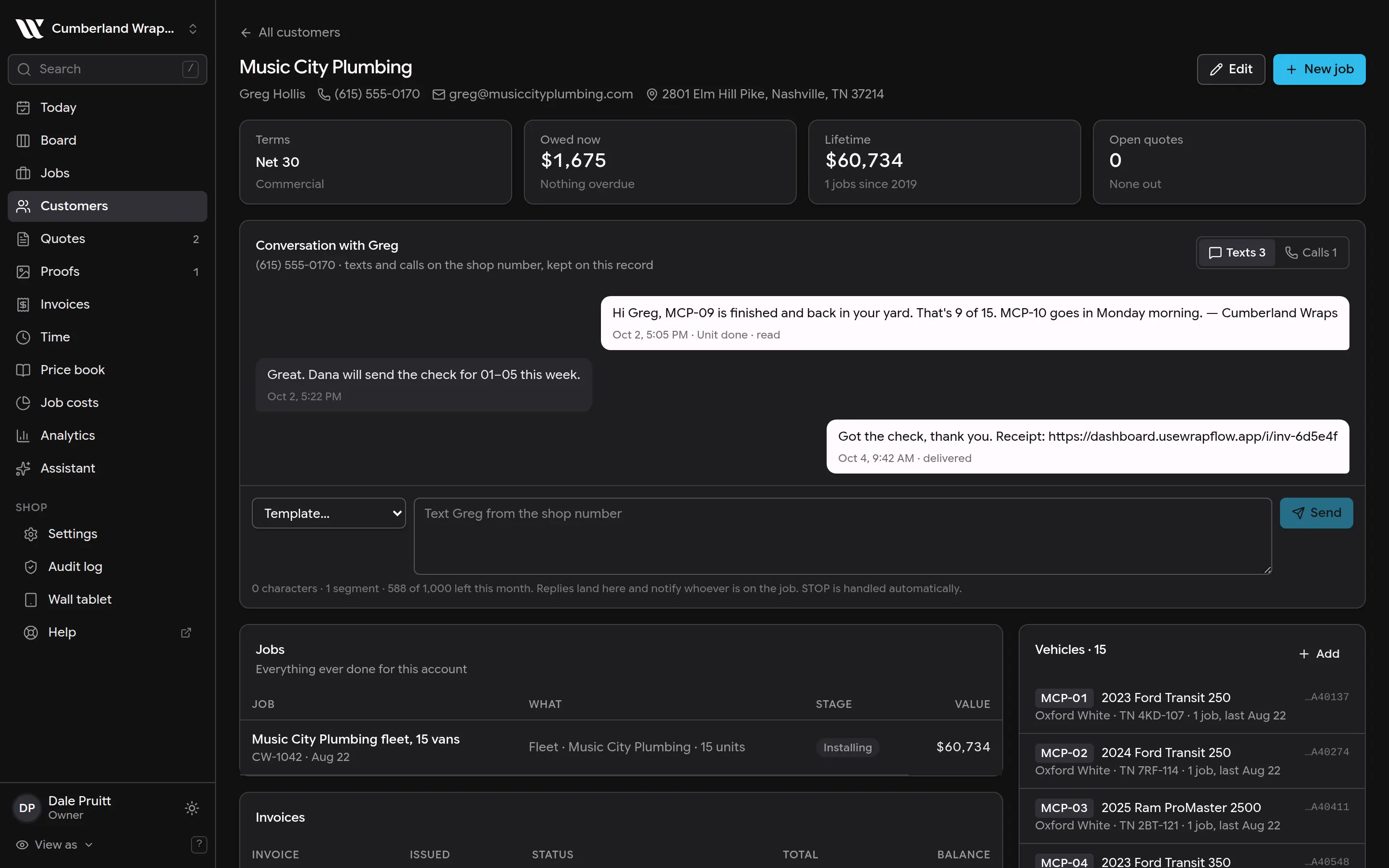
This screenshot is generated from the live interface and updates whenever the screen changes. Links in this article open the product in a new tab.
Step by step
- 1Open Customers and pick the customer.
- 2Click Add next to Vehicles.
- 3Type the VIN from the dash plate or door jamb, or tap the scan button on a phone, then click Decode.
- 4Check the color and plate, which the VIN does not carry, and click Add vehicle.
Good to know
- Installers never see prices, costs or invoices, whatever screen they are on.
- Nothing in WrapFlow is permanently deleted on the first click. Deleted things are hidden and can be brought back for 30 days.
- If something here does not match what you see, the screenshot above is from the current version; tell us and we will fix the words.
Also in Customers & vehicles
Not using WrapFlow yet?
30 days free, no card. Setup takes four minutes.