How do I set up WrapFlow for my shop?
Sign up at usewrapflow.app, answer six questions about your shop, and you land in your own board with a sample job already on it. The whole thing takes about four minutes.
4 minute read · Updated October 2026
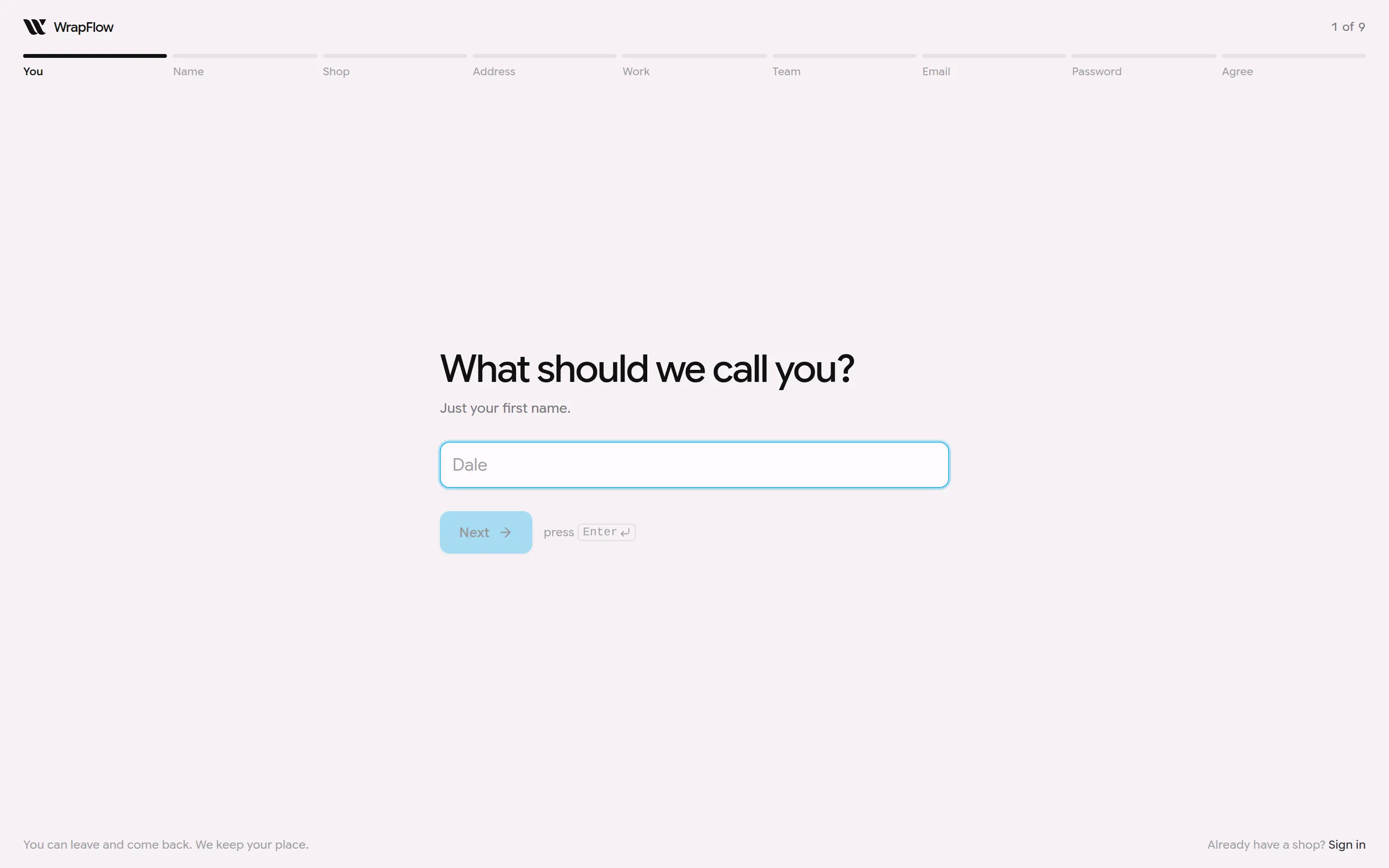
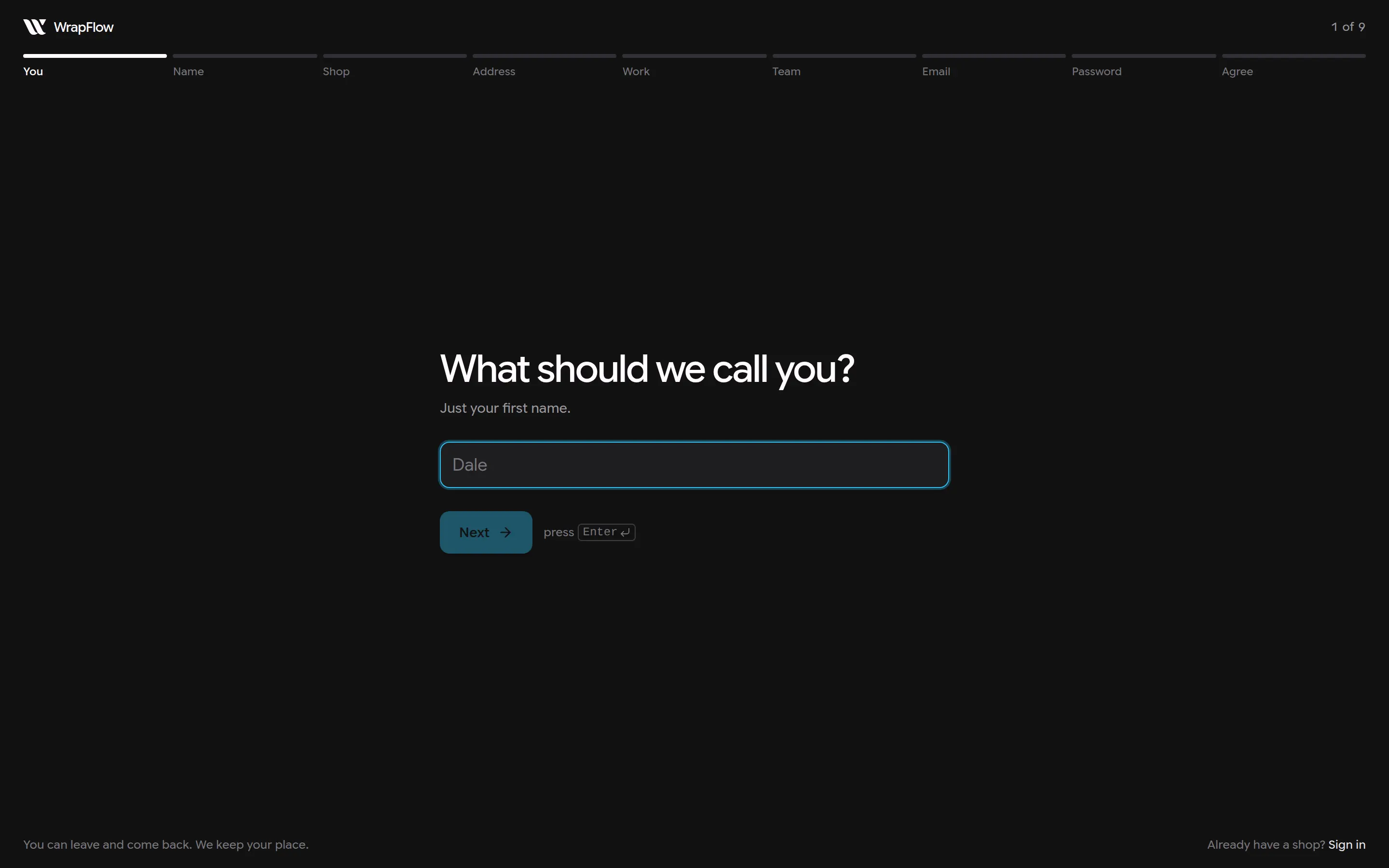
This screenshot is generated from the live interface and updates whenever the screen changes. Links in this article open the product in a new tab.
Step by step
- 1Go to usewrapflow.app and click Start your shop.
- 2Answer each question. Enter moves you forward; the back arrow never loses anything.
- 3Confirm your shop's address, which is dashboard.usewrapflow.app followed by your shop's name.
- 4You land on your board. Add your first real job, or import your price list first.
Good to know
- Installers never see prices, costs or invoices, whatever screen they are on.
- Nothing in WrapFlow is permanently deleted on the first click. Deleted things are hidden and can be brought back for 30 days.
- If something here does not match what you see, the screenshot above is from the current version; tell us and we will fix the words.
Also in Getting started
Not using WrapFlow yet?
30 days free, no card. Setup takes four minutes.