Can installers clock in from their phone on a job site?
Yes. The clock is at your shop's address followed by /clock. It works without signal and sends the punch when the phone reconnects.
1 minute read · Updated October 2026
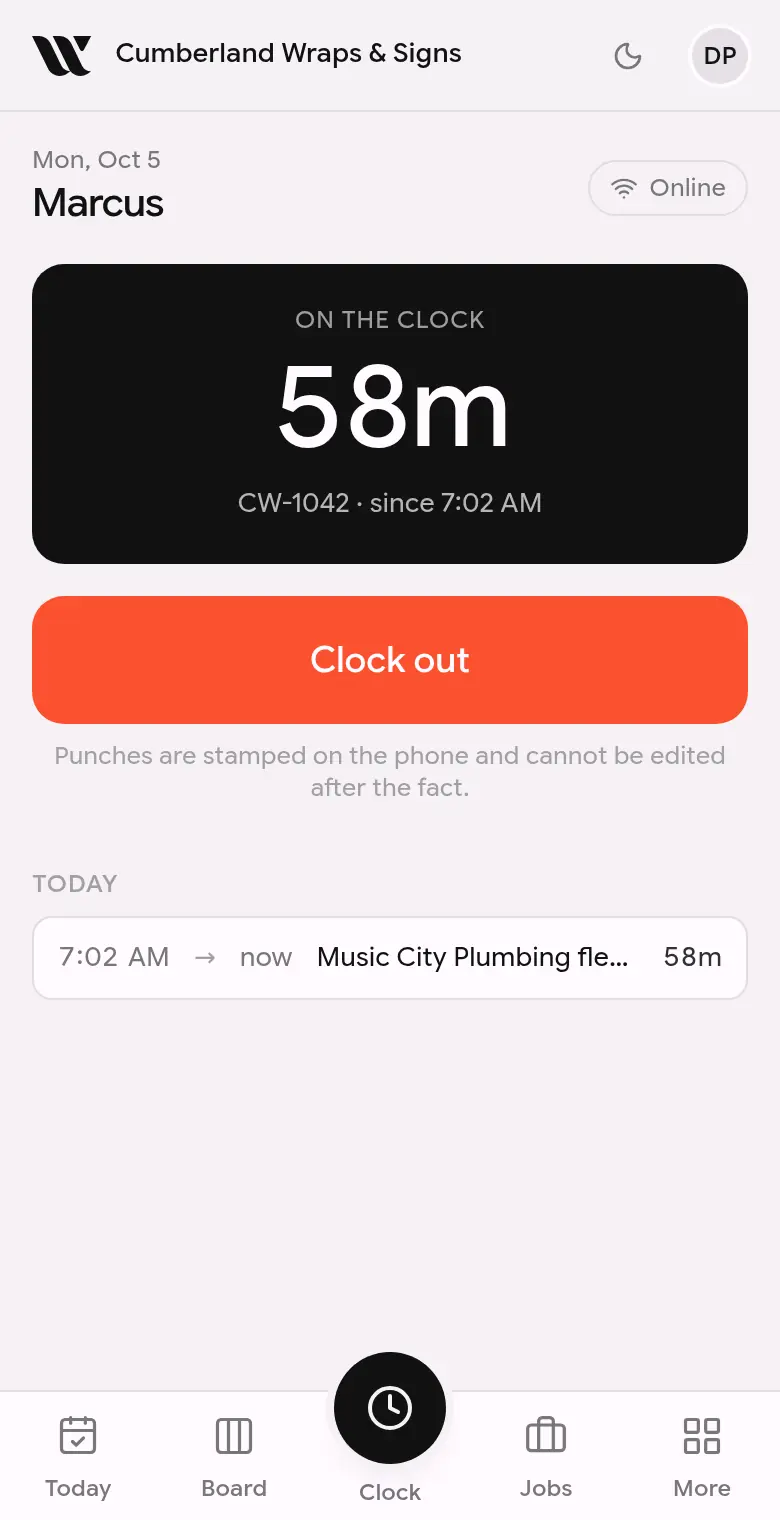
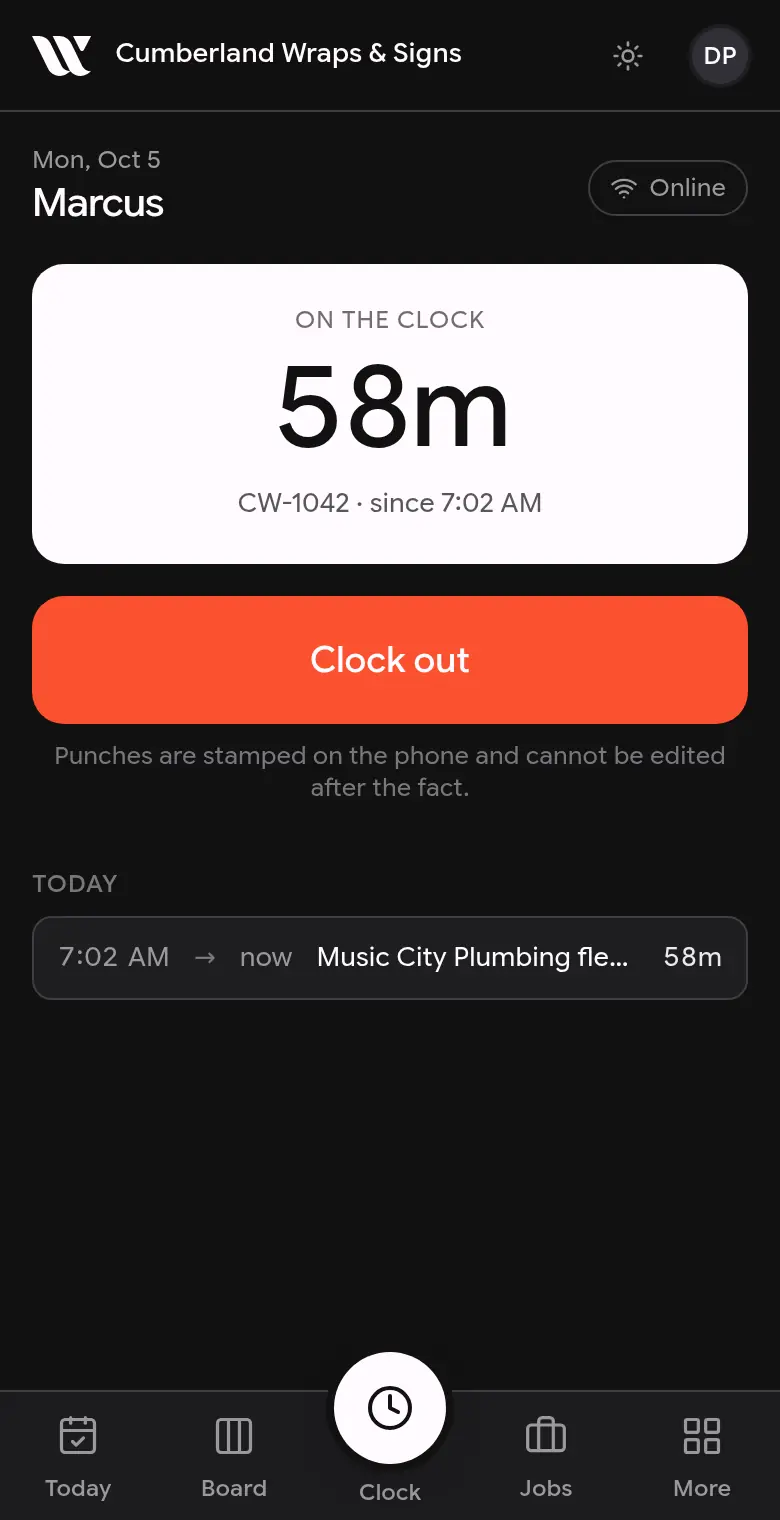
This screenshot is generated from the live interface and updates whenever the screen changes. Links in this article open the product in a new tab.
Step by step
- 1Open the screen named in the answer above from the left-hand menu.
- 2Find the item you want to change and click it.
- 3Make the change. It saves as you go; there is no Save button to miss.
Good to know
- Installers never see prices, costs or invoices, whatever screen they are on.
- Nothing in WrapFlow is permanently deleted on the first click. Deleted things are hidden and can be brought back for 30 days.
- If something here does not match what you see, the screenshot above is from the current version; tell us and we will fix the words.
Also in Time clock
Not using WrapFlow yet?
30 days free, no card. Setup takes four minutes.